Caring for Your Golf or Multi-Sport Simulator
A few small habits keep a bay accurate, bright and quiet for years.
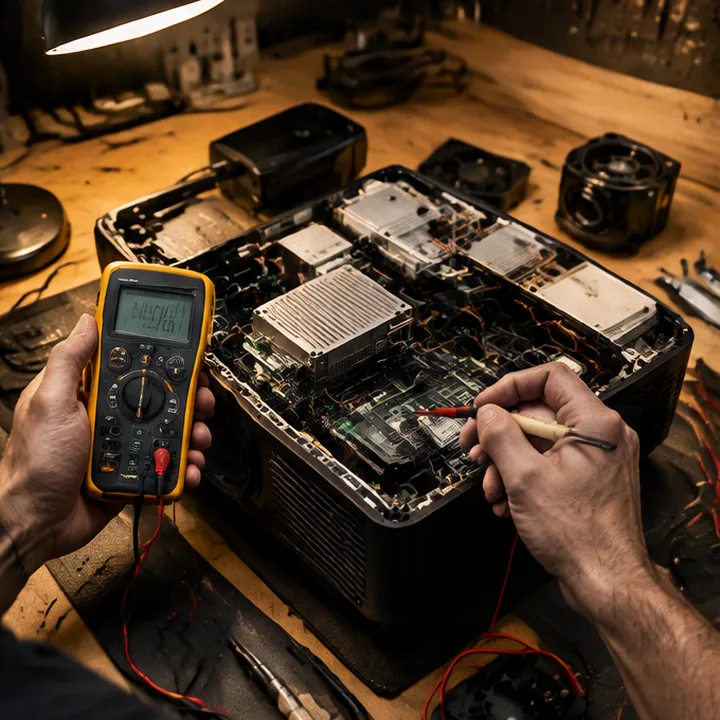
Keep it clean
Dust on a lens or a vent causes more trouble than most people expect. Wipe lenses gently, keep vents clear and vacuum the turf. Check that nothing is stored where the sensors look.
Watch the screen and the mat
Screens stretch and mats wear. Look for sagging, loose edges, thin spots and wrinkles. Small fixes now prevent a replacement later.
Check the numbers
Every few months, hit a few shots with a club you know. If the carry numbers look off, the unit may have moved. A quick recalibration puts them back, and we can show you how.
Quick answers
How often should the software be updated?
When the manufacturer releases fixes you need, and before a big event. We can handle updates for you.
What if something stops working?
Check the power and the connections first, then call us. We can usually tell a lot over the phone.
More guides
- How much space a simulator needsHeight, width and depth each decide something different. Here is how to size up a room before you buy a single part.Read the guide
- Choosing a launch monitorThree kinds of tracking, three sets of trade-offs. A plain-language guide to picking the one that suits your room.Read the guide
- Projector or flat screenBoth can look great. The right choice depends on your room, the light and the sports you play.Read the guide
- Planning a multi-sport roomGolf, baseball, football, soccer and more can share one room if the layout is planned for each of them.Read the guide
Ready when you are. Let's plan your bay.
Tell us about the room and the sports you want to play. A person replies with a clear next step, and a visit to measure if it helps.